
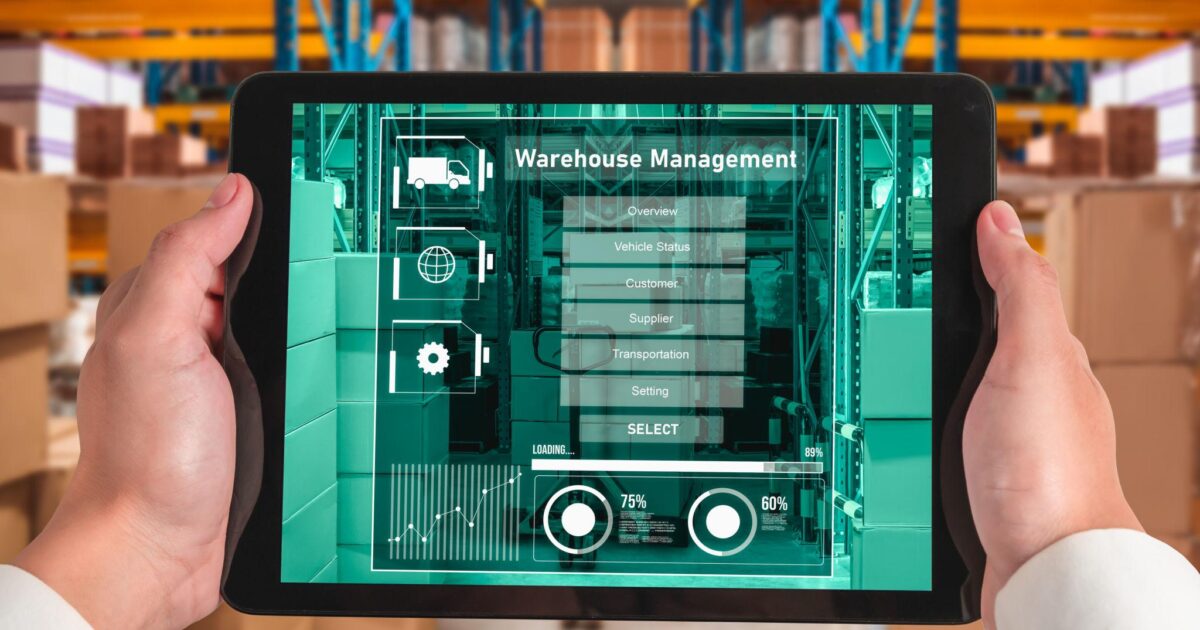
Effective inventory management is the backbone of retail and distribution businesses. When inventory data is inaccurate, the consequences cascade through every aspect of operations — from overselling and stockouts to poor purchasing decisions and customer dissatisfaction.
The Problem with Manual Inventory Management
Traditional approaches involving spreadsheets, periodic physical counts, and manual data entry create a lag between reality and records. By the time inventory data is updated, it may already be hours or days out of date. For businesses with multiple locations or sales channels, this lag is even more problematic.
How ERP and POS Integration Solves This
When your POS system is integrated with an ERP like Microsoft Business Central, every sales transaction automatically updates inventory levels in real time. This means that stock quantities reflect actual availability at all times. Low stock alerts trigger automatically when levels drop below defined thresholds. Purchase orders can be generated automatically based on reorder points. Inventory is visible across all locations from a single dashboard. Transfer orders between locations are managed within the same system.
Advanced Capabilities
Lot and serial number tracking provides full traceability from receipt to sale. Demand forecasting uses historical sales data to predict future inventory needs. Multi-location management provides visibility and control across warehouses, stores, and distribution centers.
At oosoft, we specialize in connecting POS systems with Microsoft Business Central to deliver real-time inventory management. Contact us at oosoft.co.in/contact-us.